Category Archives: teaching with technology

11 ways to discourage student use of AI in writing assignments

As teachers prepare to return to school, many wonder how to incorporate AI into their curriculum.  For teachers of writing, the opposite might be true:  how to encourage original thinking by students who might be tempted to use AI to do their assignments.  For those teachers, here are eleven suggestions:
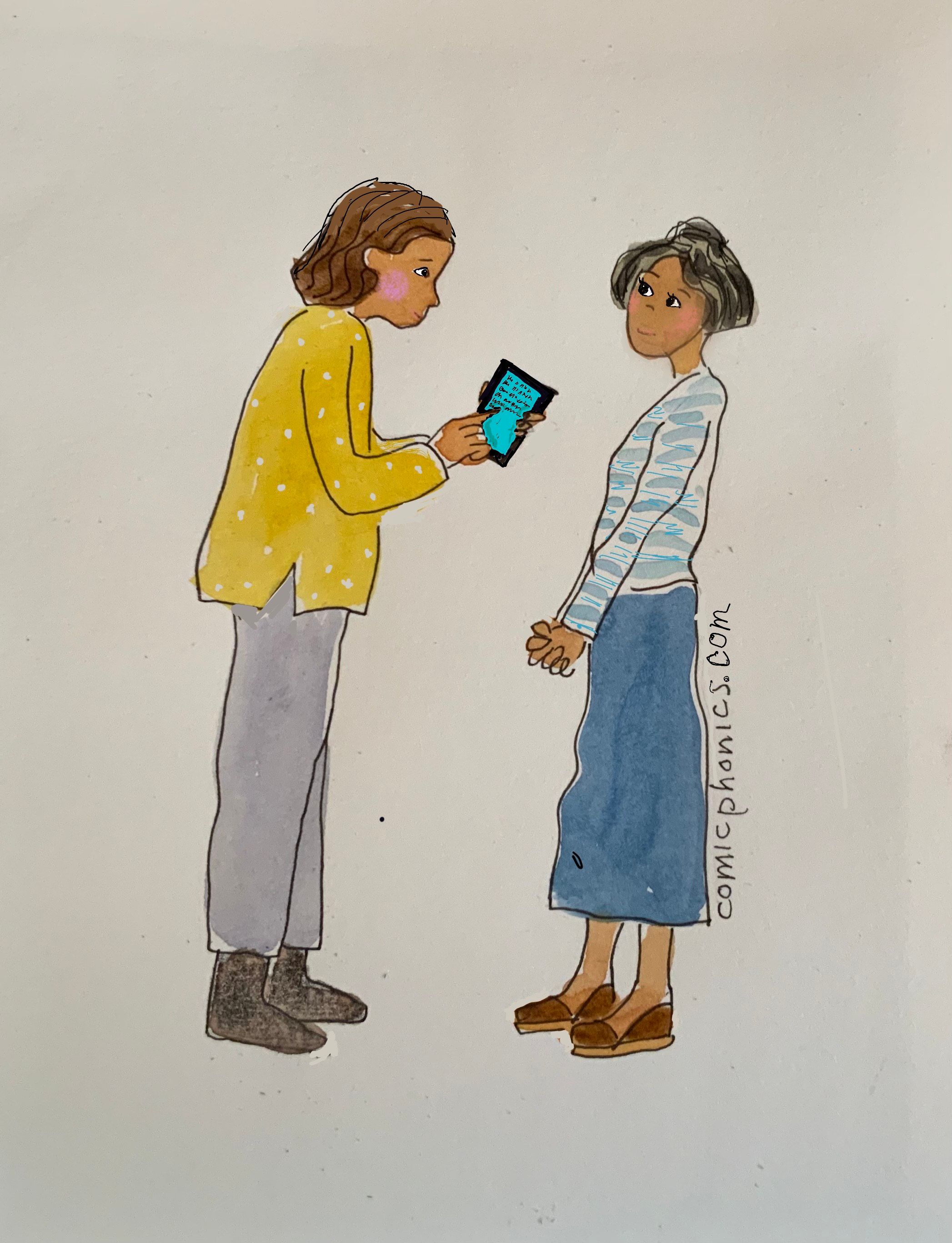
At the beginning of the school year, ask students to handwrite in class a paragraph on what they studied in ELA last year, what they liked, what they didn’t, and why. Hold onto that writing.  If you suspect a student is using AI to write, compare the writing style of the early document to the later one.  If they are not similar, ask the student to redo the assignment.

Require that students go through all the steps of writing, including writing an organizer, writing a main idea sentence, writing a first draft, and revising. Grade each of these steps in the writing process, not just the finished product.  Once you have approved the organizer, require students to continue organizing their writing the way they originally planned it.

Require all but the final draft to be done in class in handwriting on notebook paper. Provide the paper, marked a particular way for each class section you teach to discourage first period students from sharing with third period students.  If possible, require different essay topics from different class sections.  Collect work done in class at the end of class, and check to be sure each student has submitted his or her work.

Require that specific information of your choice—information that AI is not likely to have in its huge data base—be included in the student writing.  That information could be from a student’s personal experience, such as comparing a novel’s character to a teacher in the school or writing a new beginning to Huck Finn as if the student is Huck.

Provide citations which students must use in their writing.

Don’t assign tasks easily done by AI such as summaries. Assign tasks that require critical thinking such as analyzing, synthesizing and evaluating.
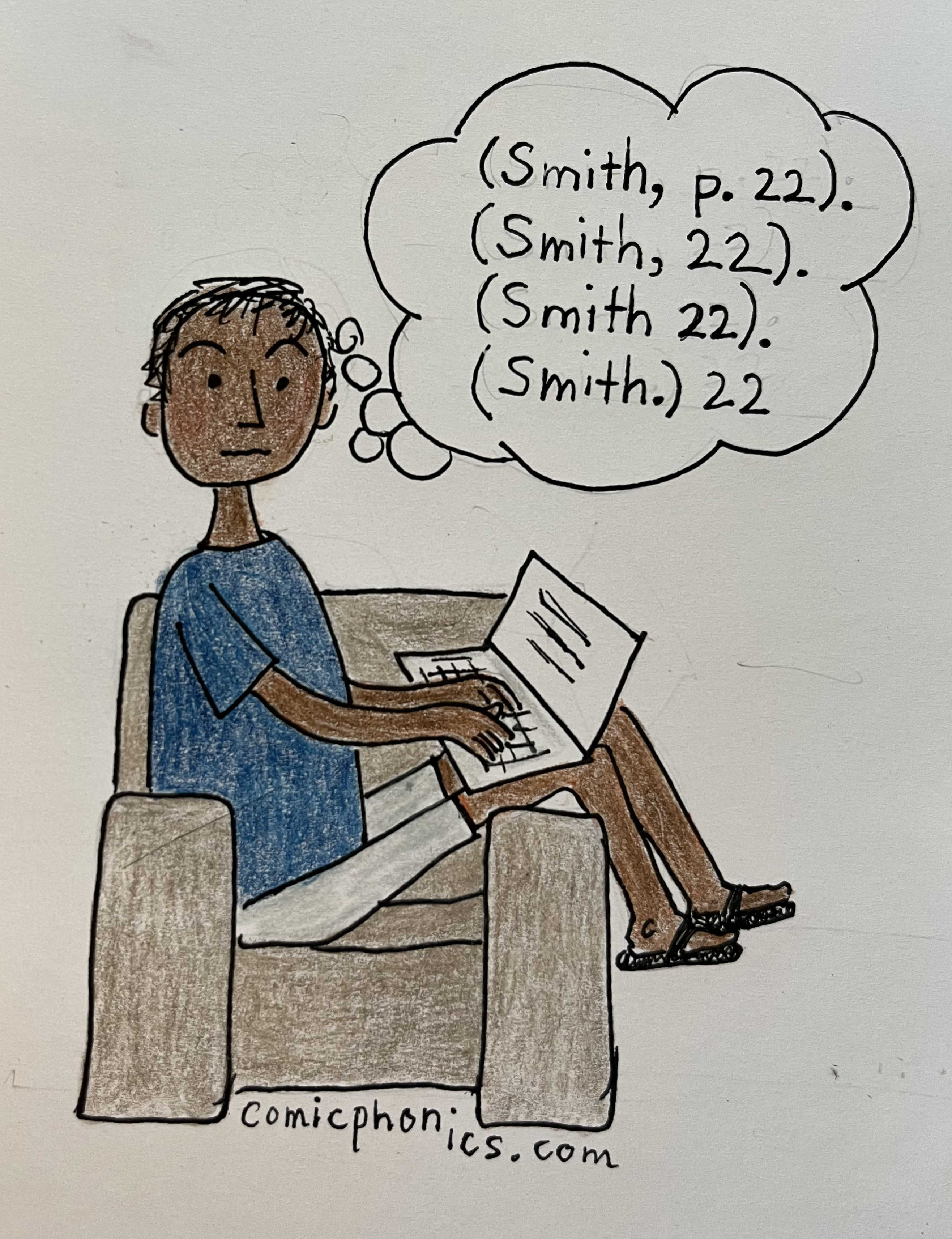
Require students to reflect in writing about the writing assignment: what they liked about it and what they found hard.  This can be done at any stage of a writing assignment.  The information might suggest a mini-lesson to help students overcome a writing problem.

If students are writing about a book, quiz them on details in the book. Make them prove they have read the book before they write about it.

As you read student work, notice vocabulary that seems too advanced for a particular student. Ask the student what that word means.  Also, notice if that same word is used in more than one student’s writing.  That could be a sign of AI involvement.

Assign more short assignments and fewer long assignments so students spend more time writing.

Remind students that you will use Turnitin, GPTzero, and Copyleaks if you suspect a student used AI in an assignment.

Are autocorrect software features a help or a hindrance to learning?

When I work with student writers online, they make spelling mistakes, verb tense and number mistakes, and punctuation mistakes.  When they do, a squiggly underline alerts students that they have made an error.  What almost always happens next is that the student clicks on the error, notices a correction suggested by the software, and clicks on that suggestion, replacing the error with the suggested correction.  The student rarely tries to figure out what the error is, and rarely tries to figure out if the offered solution is correct.

AI to the rescue.

But is this a good idea? Using AI this way offers many benefits.

  • Students can correct errors immediately. No trying to figure out what is wrong and no trying to figure out how to correct it.
  • Student writers become more efficient, spending their time thinking about content rather than grammar or spelling.
  • The correction software is free, embedded in the Word or Google Doc software. No need to subscribe to Grammarly or Microsoft Editor.
  • Dyslexic students and others can work independently with confidence that their writing is error-free, or almost.

Using AI also offers drawbacks.

  • Students do not improve their spelling, use of apostrophes, or subject-verb agreement. There is no incentive to improve if the software can do it all.
  • Sometimes the software makes mistakes such as when the student writes slang, acronyms or abbreviations. It can’t detect homophones and might leave as uncorrected this sentence:  The bare walked in the backyard.
  • If the student’s spelling is way off, the software might not be able to tell what the student means and might not detect an error or know how to fix it.
  • Students can become over-reliant on autocorrect software. If they are tested by writing on notebook paper, their work is full of common mistakes.
  • Specialist words not commonly used in everyday writing might not be recognized by the autocorrect software.

The corrections can be turned off easily, but none of the students I work with do that.  They depend on the autocorrect feature—some because English is their second language and some because their teachers have not focused on spelling and grammar.

What’s a teacher to do?  Allow or not allow autocorrect?

I have decided to allow it for the reasons noted above.  Using it saves time and allows me to focus on composition rather than spelling and grammar.  If I see a student making the same error over and over, I will draw his or her attention to it, and we might have a lesson on it.

Many of my students’ parents disagree.  They want me to focus on spelling and grammar during the rough draft stage of writing.  I used to explain that doing this interrupts the flow of ideas.  Now I don’t need to explain because students make corrections with the click of a mouse long before their parents see their errors.

In their adult lives, students will be working on computers, tablets or other electronic devices with built-in autocorrections.  Using autocorrections will be as normal as using microwave ovens.  Schools should prepare students for the real world of tomorrow, not for the world of their grandparents.

Recap lessons immediately after they are done

Are you an online writing tutor? Or an online tutor of any kind?  If so, might I suggest a quick and easy tip which I have found useful?

Immediately after each lesson, write a recap of that lesson, including everything you and the student or students did in that lesson. 

Send copies of the recap to the student or students you have just taught and their parents if they are children.  This way they receive immediate feedback on the lesson.  And because the recap contains homework assignments for the next lesson, students and parents know what work students should complete for the next lesson.

Save another copy for yourself.  For each student or each class, copy the email sent to the student and parents.  Paste it along with the date you sent it in a folder named after the student or the class.  Paste the most recent recap at the top of a file.  If you send any additional information before the next lesson, add this to the top of the file with the date.  This recap helps you recall the past lesson and reminds you of the homework expected at the next lesson.

Since I teach writing online, in my recaps I include the writing we did during the lesson.  Students sometimes keep a copy from the class, but in case they don’t, they can copy from the recap and paste the writing  to a document and continue the work there.  Or in the recap I remind the student that the unfinished work is a google doc which they can easily access.

Here is an example of an email I sent recently:

Today ____ and I revised an essay he wrote on the film The Last of the Mohicans.  It was perhaps the best essay he has written for me in terms of organization.  That is because we organized the essay last week before he wrote it, and he followed the prewriting organizer.

Next he chose another topic (see below) and together we created a prewriting organizer for that topic.  He will complete the essay for next our next lesson.

Genre:  Persuasive

Topic:  Why Miss Kathy should visit Orlando, FL

Intro:

Thesis:  You should visit Orlando, FL, because it has Universal Studios and a waterpark.

Topic sentence 1:  One reason you should visit Orlando is because Universal Studios is there.

  • Harry Potter, Hogwarts world
  • Underground roller coaster

Topic sentence 2:  Another reason you should visit Orlando is because it has a great water park.

  • High, long sliding board/tube
  • Bumper cars in water

Conclusion

Because I include the essay outline in the recap I save for myself, I have a detailed reminder of the work we did in class and the work expected from the student.  I reread the recaps before the next lesson.  Sometimes in my own version I include work I must prepare for the next lesson, such as finding grammar worksheets on a particular topic or providing an answer key to a vocabulary quiz.

For me, this kind of recap is definitely worth the small effort it takes.

Frustration in teaching remotely

As many teachers and students head back to their virtual classrooms this week, I’d like to share my experience learning Zoom and Google Docs, changing from a PDF to an editable format and teaching reading and writing to students ten miles and three time zones away.

In four words:  I have been overwhelmed.

Before the pandemic, I had used GoToMeeting with one student whose father set everything up for us.  That worked, in part because the father hovered nearby and anticipated his daughter’s and my needs.

But as I returned to teaching in November, after seven months of babysitting grandchildren, I struggled to learn Zoom.  For my first classes, my husband (my IT person) sat at my side off camera and slipped his hands on the keyboard from time to time to rescue me.  I couldn’t have done it without him.

For me, teaching via Zoom has been like my trying to teach English in Vulcan aboard the Starship Enterprise with Mr. Spock at my side.  I know the content, but grapple with how to use the technology.  For example,

  • If my student writes her homework in a workbook, how can I see her answers via Zoom? She can hold the workbook in front of the camera, but she might hold it too close or too far away or she might jiggle it.  With time, I learned how to solve this problem.  Her parents can scan her work before our lesson and send it to me as an email attachment which I can then open and share on Zoom.  It took me weeks to learn that.
  • And what if I want to scan information to send to my student as an email attachment? Before, I would make a photocopy and bring it with me to a lesson.  Scanning and inputting is on my to-learn list.
  • If I want to see what my student is writing by hand, how can I? Her writing surface is out of camera range.  I learned that if I ask her to reread the corrected writing, I know if she changes it.
  • For some students, I can see only the tops of their heads. Asking a student to sit up works until the student slumps a minute later.  I have asked parents to adjust the camera angle, and that helps, but some children deliberately hide.
  • One of my students is hyperactive, sliding in his chair, contorting his body, standing, stretching, walking around and darting off camera. He even falls asleep.  When I teach in person, I use eye contact or a tap on the desk to engage him.  But via Zoom, if he is not looking at the camera, I have only my voice.  I am still working on this problem.
  • Many of my students are either immigrants or the children of immigrants. Sometimes I ask my students to bring their parents to the camera at the end of our classes. When I try to explain homework expectations or student behavior to the parents, they nod, smiling without saying a word, and I know I have not made my message clear.  I have learned to recap a lesson in writing immediately after the lesson concludes.  I include the homework assignment and any other work a student might need—like a prewriting organizer the student worked on.  I send everything as an email to a parent’s email.

These are small problems.  Bigger ones are caused by my lifetime of relying on my husband to handle online technology.  On Monday, for example, I kept losing Google Docs I had downloaded and opened, ready to revise with a student.  My husband pointed out something basic that I was unaware of:  At the top of my screen are tabs for documents I unload from the internet.  At the bottom of my screen are browser and application icons.  Duh.

I am writing about my frustration using virtual technology because many of your children’s teachers are going through the same ordeal.  They were trained in math or reading, not in how to teach remotely.  They were trained to walk the classroom to engage students, but they were not trained to monitor two dozen children on a computer monitor, peering at faces the size of postage stamps.  Older teachers, who are experts in their subjects, are wrestling with a technology learning curve.  What might seem so basic to a thirty-year-old who was born with a smart phone on her hip seems odd and even frightful to a veteran teacher.

Two months teaching in this new mode is not enough for me to master it.  Nor is a semester for many of your children’s teachers.  My New Year’s resolution is to forgive myself for my ignorance and to practice, practice, practice Zoom and Google Docs and any other technology that will help me be a better teacher.

As Mr. Spock said, “Computers make excellent and efficient servants, but I have no wish to serve under them.”  I have no wish either, but we all must to get through this pandemic and beyond.